

You can use Two-Factor Authentication (2FA) to enhance the security of your account. This security feature requires a second verification step in addition to your password when logging in, providing an extra layer of protection against unauthorized access.
Viewing the Two-Factor Authentication Status
On the Account Security page, you can view the current status of Two-Factor Authentication.
-
Enabled: Two-Factor Authentication is active on your account.
-
Disabled: Two-Factor Authentication is not active, and your account is protected only by your password.
To improve account security, the system recommends enabling this feature.
Enabling Two-Factor Authentication

- Click the “Enable” button.
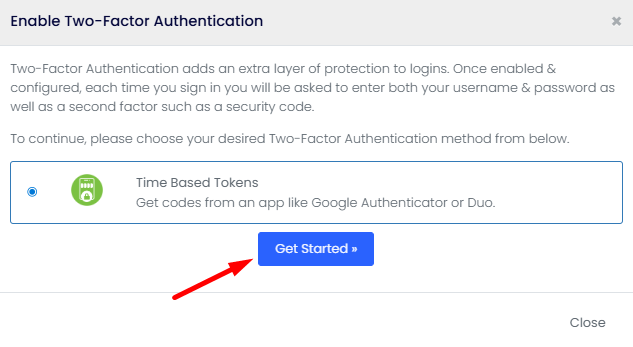
- Follow the setup instructions provided by the system.
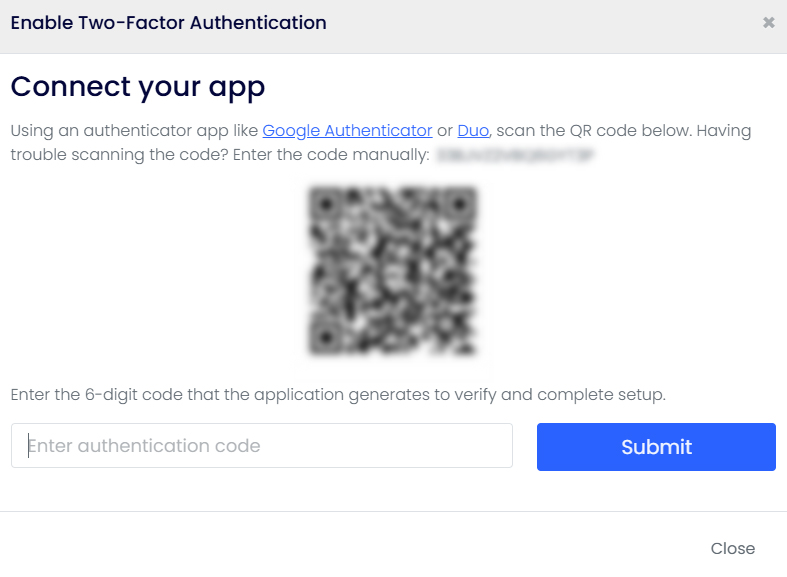
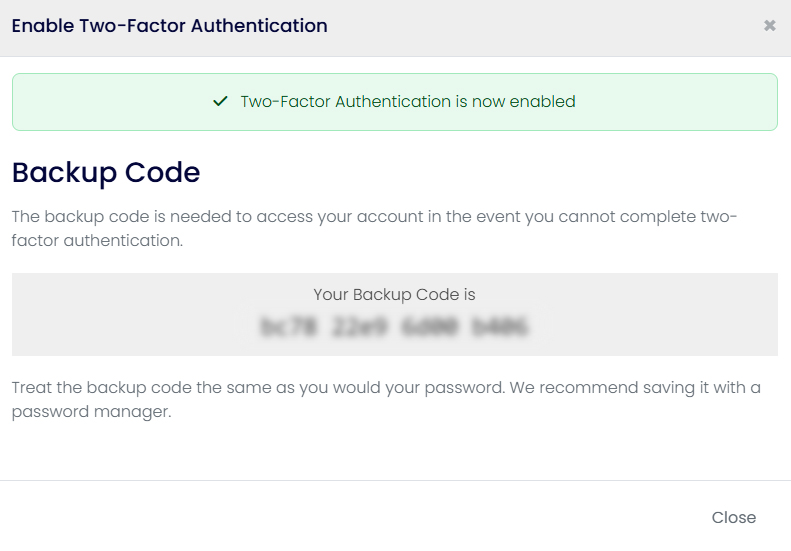
- Once the setup is complete, you will be required to enter an additional verification code when logging in to your account.
Disabling Two-Factor Authentication
- Click the “Disable” button.
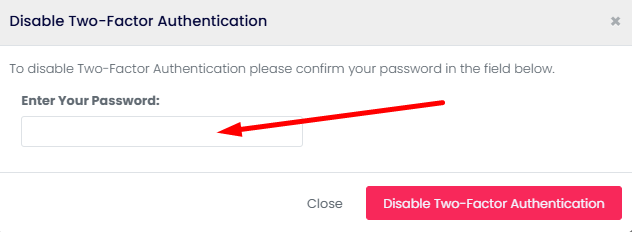
- Complete the required security verification steps.
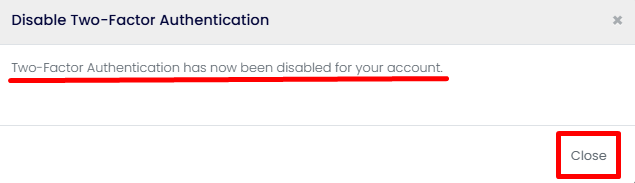
- Once the process is completed, Two-Factor Authentication will be disabled for your account.
Benefits of Two-Factor Authentication
-
Protects your account against unauthorized access.
-
Adds an extra layer of security even if your password is compromised.
-
Significantly improves account security.
-
Helps protect sensitive account and billing information.
Security Recommendation
For maximum account protection, it is highly recommended that you enable Two-Factor Authentication. This ensures that only users with access to both your password and verification device can log in to your account.
Help and Support
If you experience any issues while setting up or using Two-Factor Authentication, you can create a support ticket to contact our technical support team. Our team will be happy to assist you as soon as possible.

